

CSS
CSS stands for Cascading Style Sheets.
CSS is the language which is use to style a Web page.
CSS Selectors
A CSS selector selects the HTML element(s) you want to style.
We can divide CSS selectors into five categories:
let's look into the selectors:
It will selects the elements by its tag names.
here is a simple example,
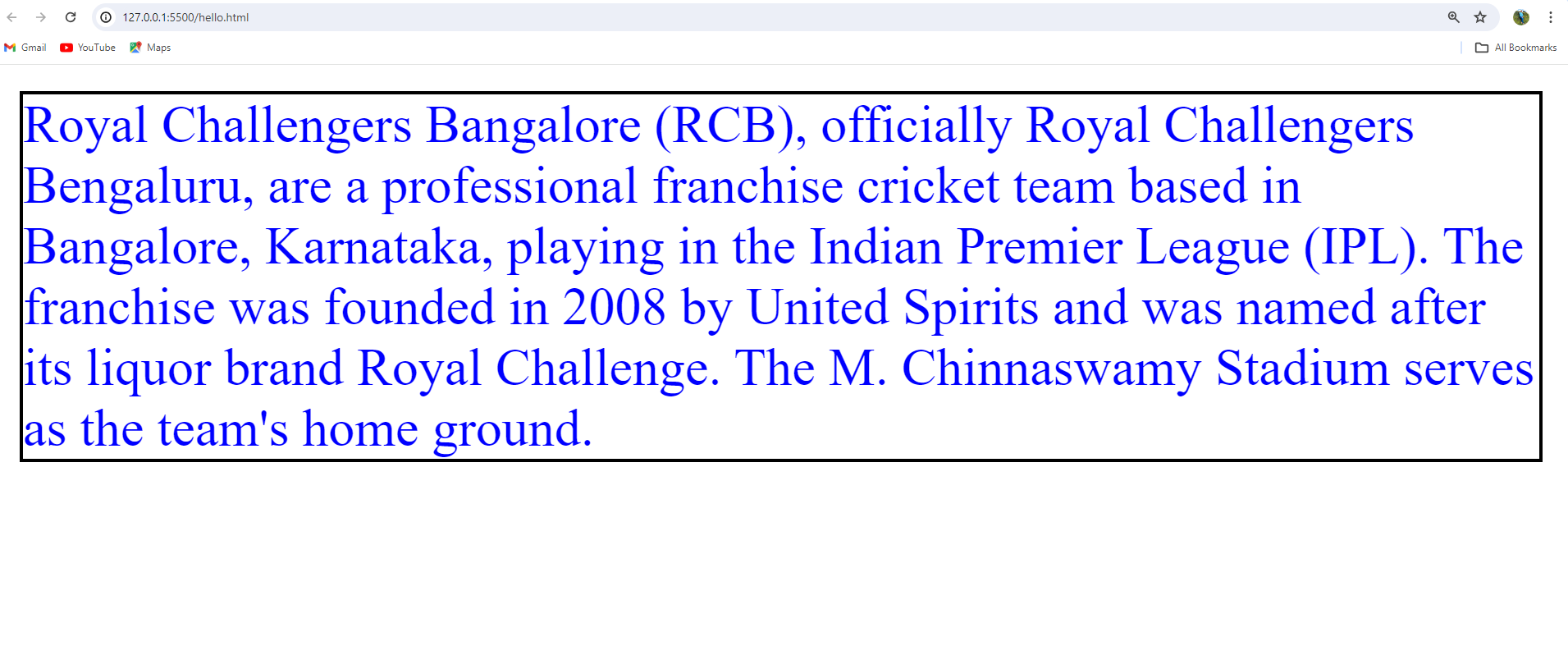
Applying css for "<div>" elements
this will change "<div>" elements to blue and it adds 1-pixel solid black border to all '<div>' elements.
The id of an element should be unique within a page to select an element with specific id, write hash(#) character, followed by the id of an element.
For Anchor "<a>" tag

This will remove underline from '<a>' tag elements.
Note: An id name cannot start with a number!
The class selector selects HTML elements with a specific class attribute.
To select elements with a specific class, write a period (.) character, followed by the class name.
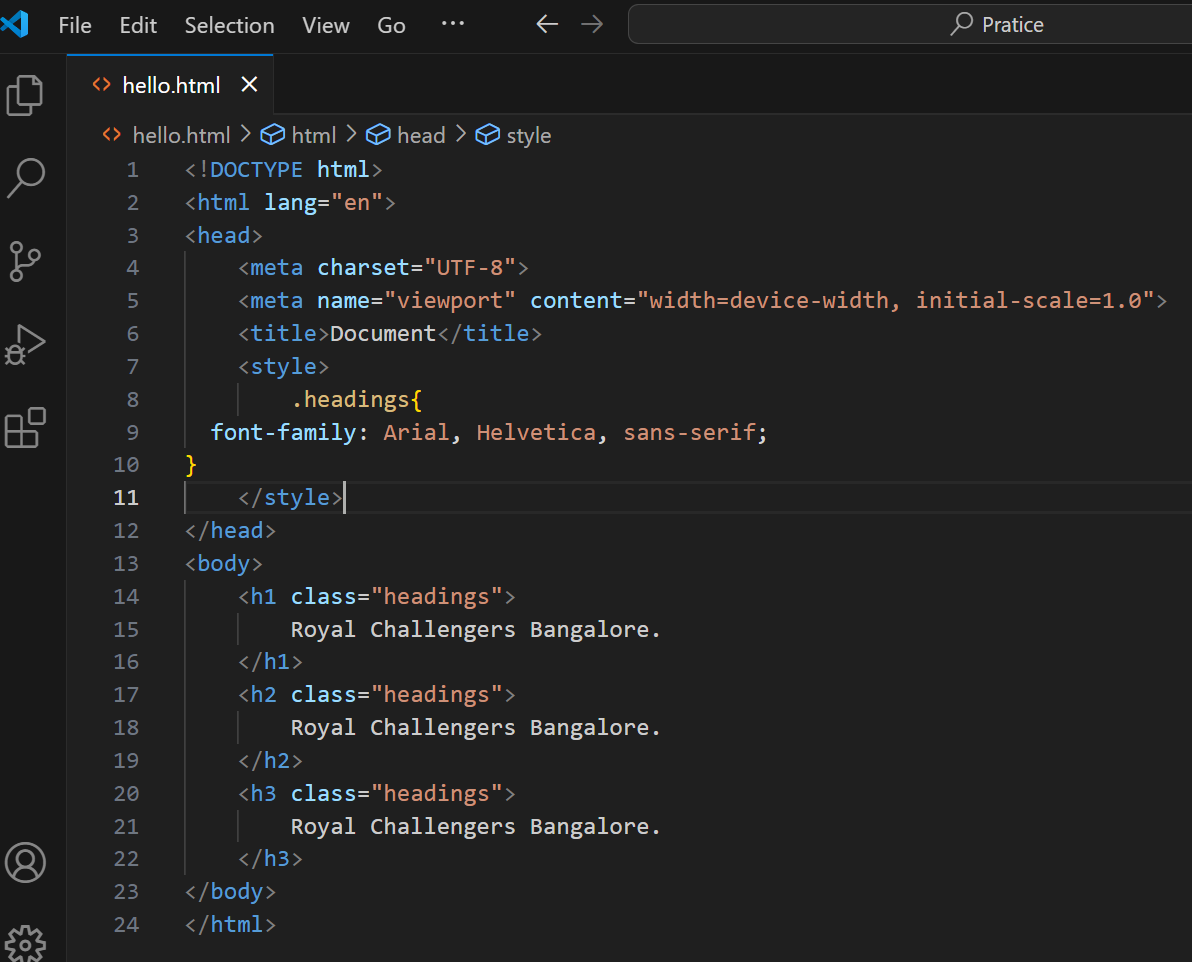

We can apply same css for multiple elements at single stretch.
This will set the font family of all <h1>, <h2>, and <h3> elements to Arial, sans-serif.
Combinator selectors
There are four different combinators in CSS:
descendant selector (space)
child selector (>)
adjacent sibling selector (+)
general sibling selector (~)
Descendant selector (space):
All of the child elements of the given tag can be chosen using this selector. The tags may reside deep within the chosen tag or be its immediate offspring. By combining the two selectors, this combinator ensures that the selected elements' ancestor is the same as the first selector element.
Child selector (>)
The element that is the direct child of the given tag can be chosen with this selector. Because it only chooses the second selector if it contains the first selector element as its parent, this combinator is more stringent than the descendant selector.
Adjacent sibling selector (+)
The Adjacent sibling selector is used to select the element that is adjacent or the element that is next to the specified selector tag. This combinator selects only one tag that is just next to the specified tag.
general sibling selector (~)
Picking the element that comes after the first selection element and has the same parent as it does is done using the general sibling selector. Choosing a collection of items that have the same parent element can be done using this.
Pseudo-class selectors
The exceptional states of an element can be defined using CSS pseudo-class selectors without the need to add additional classes or IDs. They can be especially useful when styling items according to different conditions, such as user involvement or the structure of the content.
Syntax
The syntax of pseudo-classes:
selector:pseudo-class {
property: value;
}
Here’s an overview of some commonly used CSS pseudo-class selectors:
<!DOCTYPE html>
<html>
<head>
<style>
/* unvisited link */
a:link {
color: red;
}
/* visited link */
a:visited {
color: green;
}
/* mouse over link */
a:hover {
color: hotpink;
}
/* selected link */
a:active {
color: blue;
}
</style>
</head>
<body>
<h2>Styling a link depending on state</h2>
<p><b><a href="default.asp" target="_blank">This is a link</a></b></p>